Use your iPhone as a microphone for any speaker
Bluetooth Microphone FX Pro turns the iPhone in your pocket into a live microphone. Connect a Bluetooth or AirPlay speaker, tap the big mic button, and your voice comes out of the speaker as you talk. No extra hardware, no cables to buy.
What people use it for
People open the app for things like these:
- Karaoke at home, when the party has a speaker but nobody owns a mic.
- Talking to a room. A toast at a birthday, a quiz night, a class, a tour group in a museum courtyard.
- Practicing vocals or a speech and hearing how you actually sound through a speaker.
- Voice pranks with the kids, using Monster or Helium.
If you want to sing tonight and have a speaker on the shelf, start with our guide: Karaoke at home with your iPhone as the microphone.
How it works
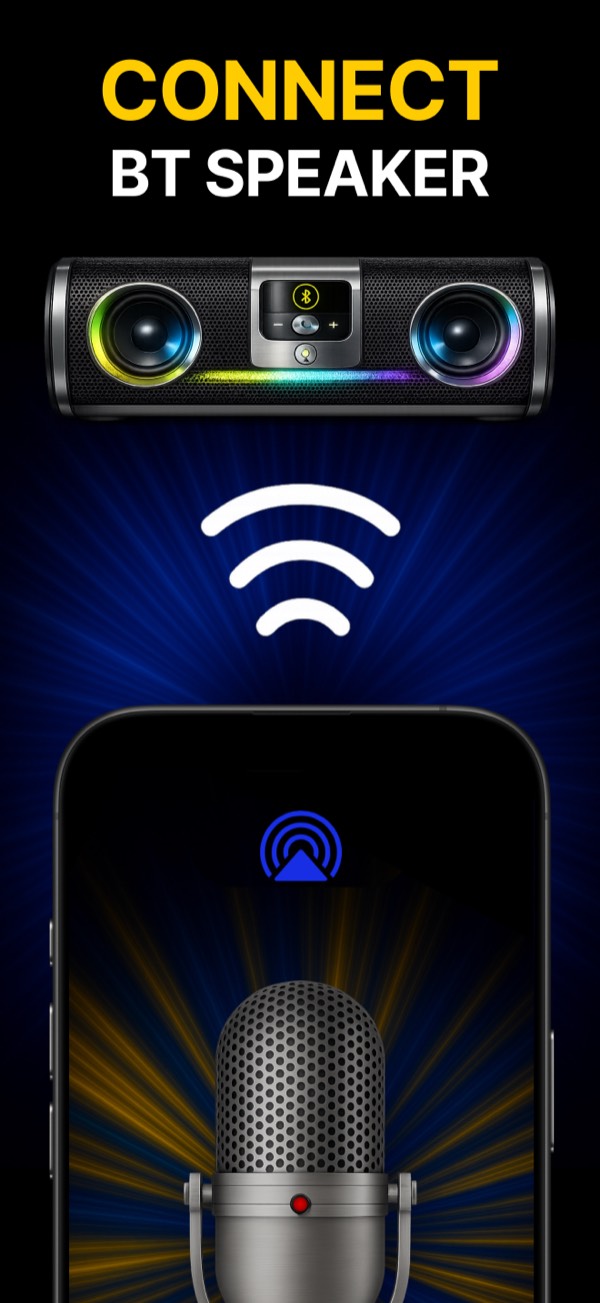
- Pair your speaker in iPhone Settings, then Bluetooth. AirPlay speakers work too.
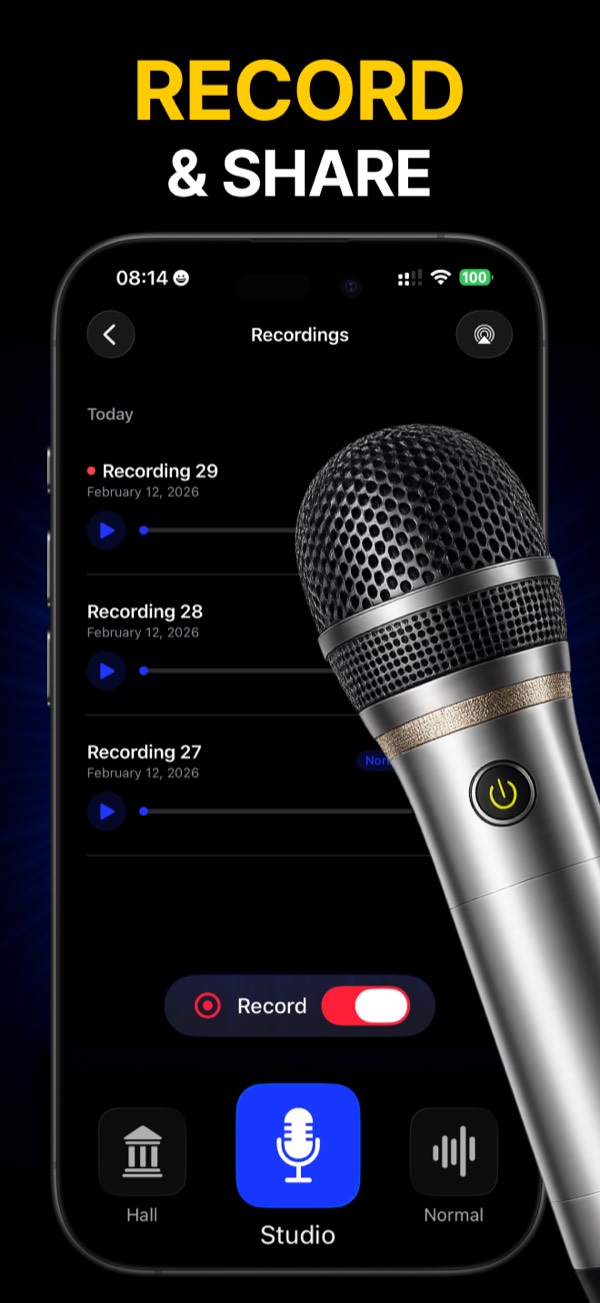
- Open the app and tap the AirPlay button at the top (the antenna icon). Pick your speaker.
- Tap the microphone and speak. Your voice plays through the speaker right away.
If no speaker is connected, the app tells you before you start, so you don’t end up talking into the phone’s own speaker by mistake.
Sound settings you can actually hear
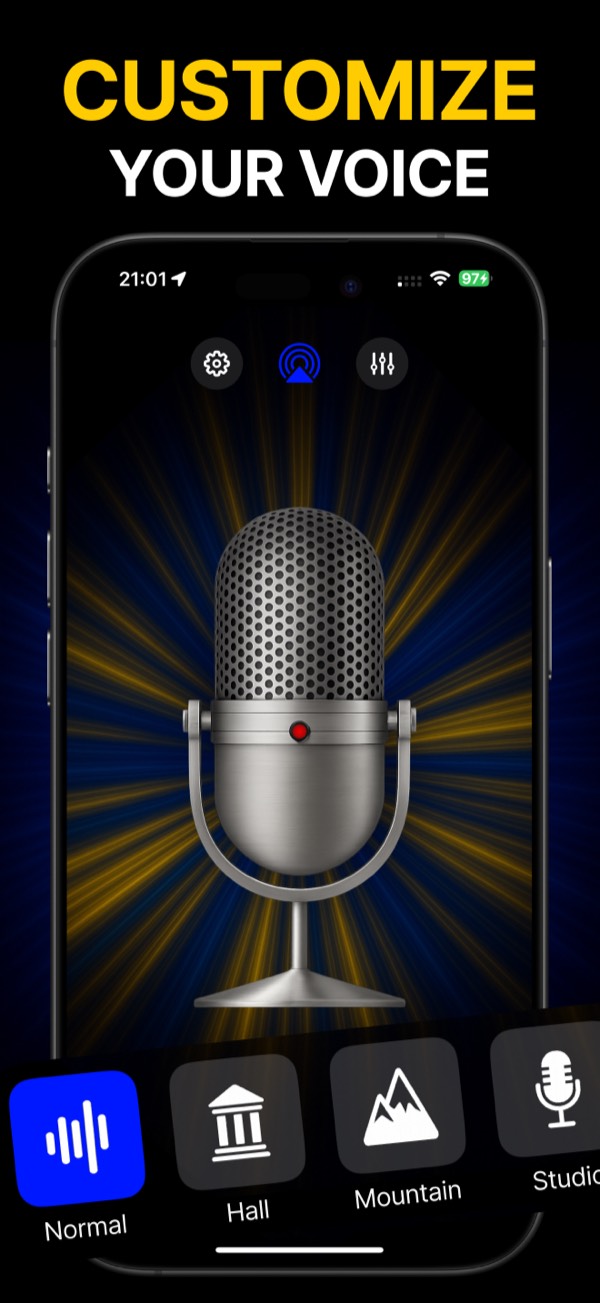
Your voice doesn’t have to sound like a phone call. The app has presets for the space you want to sound like: Normal, Hall, Mountain, Studio, Echo, Cathedral and Lo-Fi. Hall adds a soft room echo that suits ballads. Studio keeps the voice close and dry, which works better for speech.
There is also a voice changer with nine characters, among them Robot, Alien, Chipmunk, Monster, Baby and Demon. It is silly and it is the first thing kids find.
For a cleaner sound:
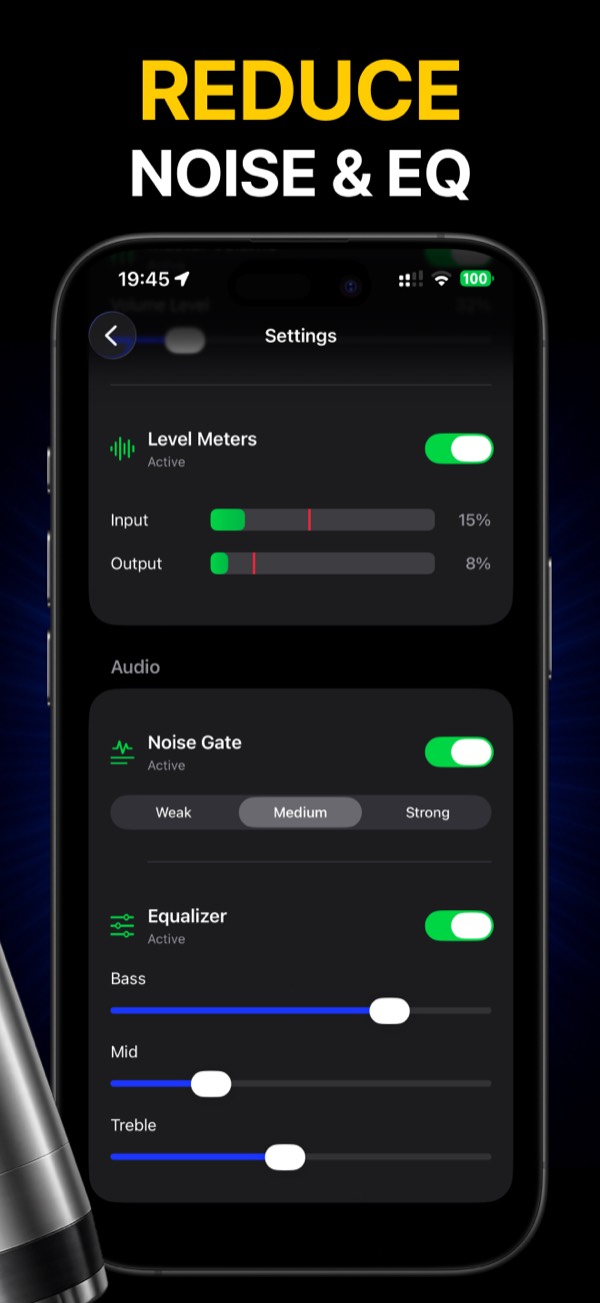
- Noise gate. It mutes the mic between phrases, so the speaker doesn’t hiss and hum while you’re quiet. Three strengths: weak, medium, strong.
- Equalizer. Bass, mid and treble sliders. Turn the bass down if your speaker booms, turn the treble down if your voice sounds sharp.
- Level meters. Input and output bars show whether you’re too quiet or clipping.
Record and share
Flip the Record toggle on the main screen and the app saves the session with your chosen effect. Recordings get dates and names you can edit, and you can send them to a friend or keep them to hear how your singing changes over a few weeks.
About delay, honestly
Every wireless speaker adds a small delay between your voice and the sound coming out. The app keeps its own part short, but Bluetooth itself takes time, and how much depends on the speaker. For talking it rarely matters. For singing, some people notice a slight echo of themselves. Our karaoke guide explains how to keep it small, and when a cable is the better choice.
Price
The app is free to download. Premium unlocks the noise gate, the equalizer and unlimited use. The subscription screen shows the price for your country and the trial terms before you pay, and you can cancel any time in iPhone Settings.
Questions people ask
Does it work with JBL, Sony or other brands? Any speaker your iPhone can connect to over Bluetooth or AirPlay will work. The app doesn’t care about the brand.
Can I play music and sing at the same time? Yes. Play the song from YouTube, Spotify or Apple Music, then turn on the mic in the app. Both go to the same speaker.
Do I need internet? No. The microphone works offline.
Is there an Android version? No, it is iPhone only.
 Bluetooth Microphone FX Pro
Free download · iPhone